Training reports answer four questions: who hasn't finished their mandatory courses, whether people are actually learning, which courses are effective, and where the training budget goes.
Five report groups
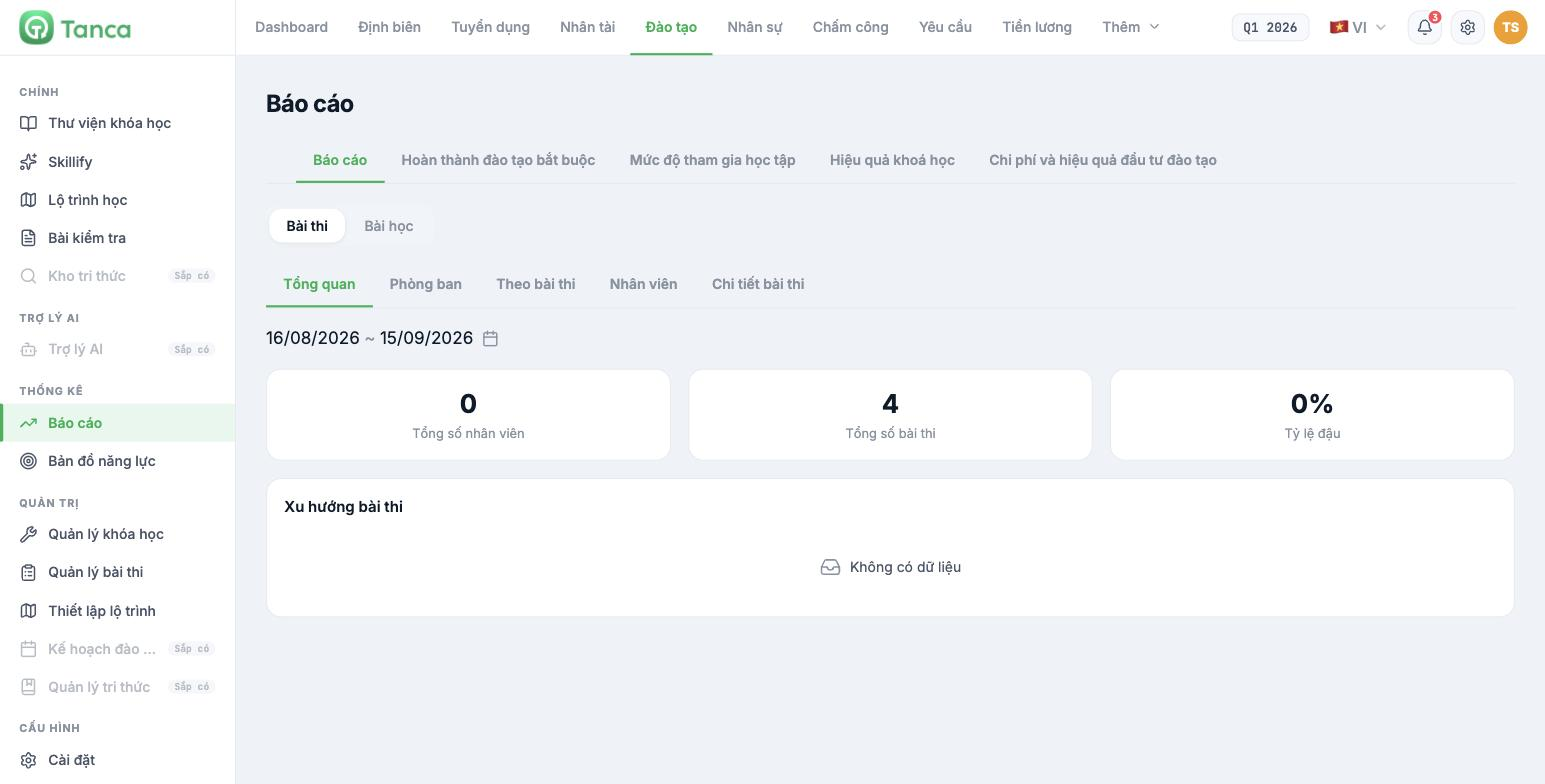
| Group | Answers the question |
|---|---|
| Reports | Baseline data: tests and lessons |
| Mandatory training completion | Who hasn't finished their mandatory courses |
| Learning engagement | Whether people are actually taking the courses |
| Course effectiveness | Which courses produce good results |
| Training cost and ROI | Where the training budget goes and what it yields |
The Reports tab has a Tests / Lessons toggle and five sub-tabs: Overview · Departments · By test · Employees · Test details, along with a date range picker.
| Overview metric | Meaning |
|---|---|
| Total employees | Number of people with data in the selected date range |
| Total tests | Number of tests created |
| Pass rate | Percentage of submissions that reached the passing score |
| Test trends | Chart over time |
Check the date range before drawing conclusions. The report opens by default on a short recent range; a 0 usually means nobody studied within that range, not that nobody has ever studied.
Three metrics worth tracking monthly
| Metric | Warning threshold | What to do |
|---|---|---|
| Mandatory training completion | Below 80% after the deadline | Follow up in person through managers; don't rely on system notifications alone |
| Engagement | Many people open courses but don't finish them | The content is too long or not relevant to their work |
| Pass rate | Above 95% or below 50% | Too high: the test is too easy. Too low: the content didn't teach enough, or the passing score is too high |
A 100% pass rate is not good news. It usually means the test can't distinguish between those who have learned and those who haven't — and then all downstream training data loses its meaning.
Statistics for each course
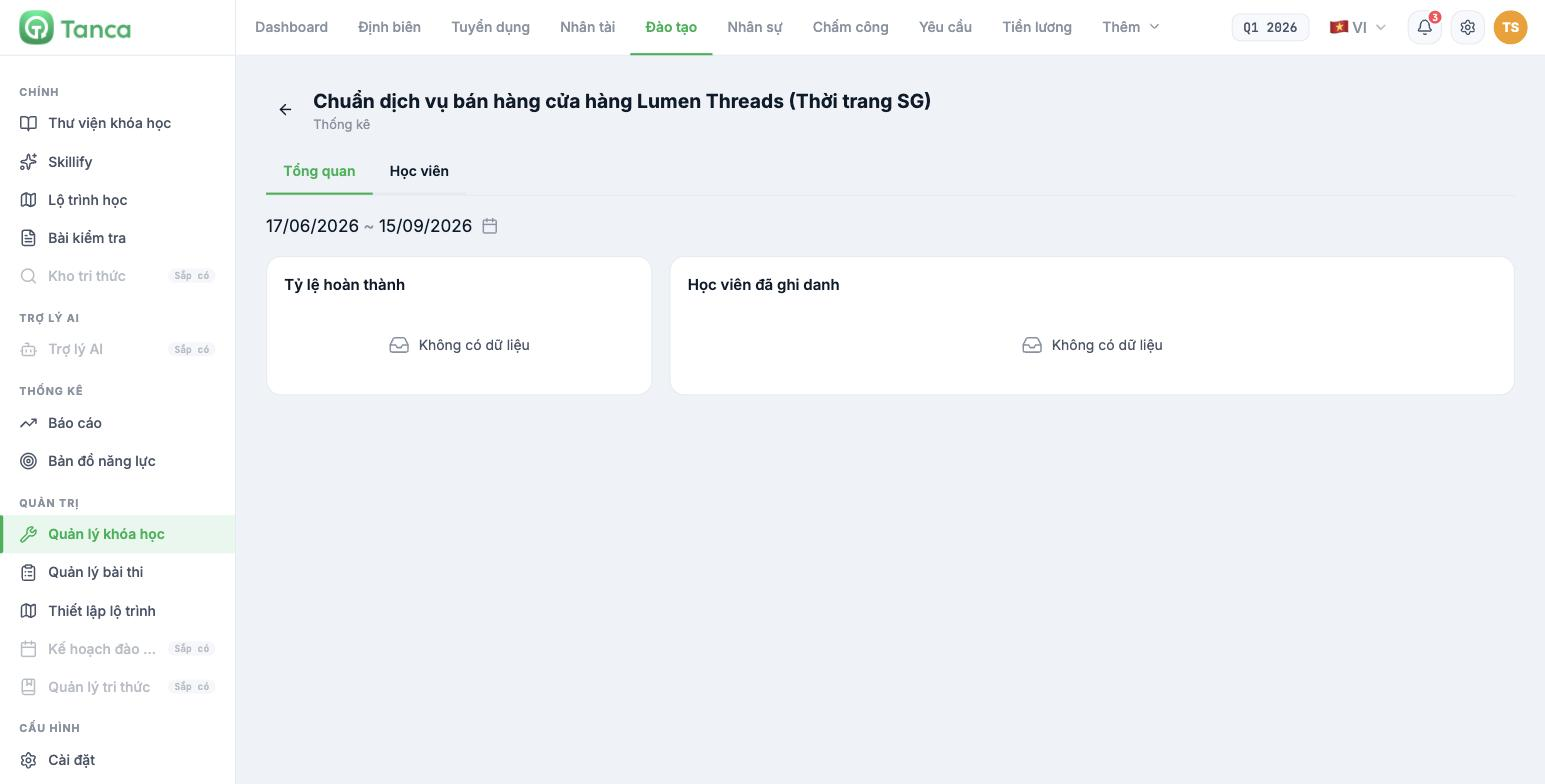
Click the course name on the Course management screen to open that course's own statistics. There are two tabs:
| Tab | Content |
|---|---|
| Overview | Completion rate and number of enrolled learners, by date range |
| Learners | List of each learner with their status and assignments |
The competency map in the Training module
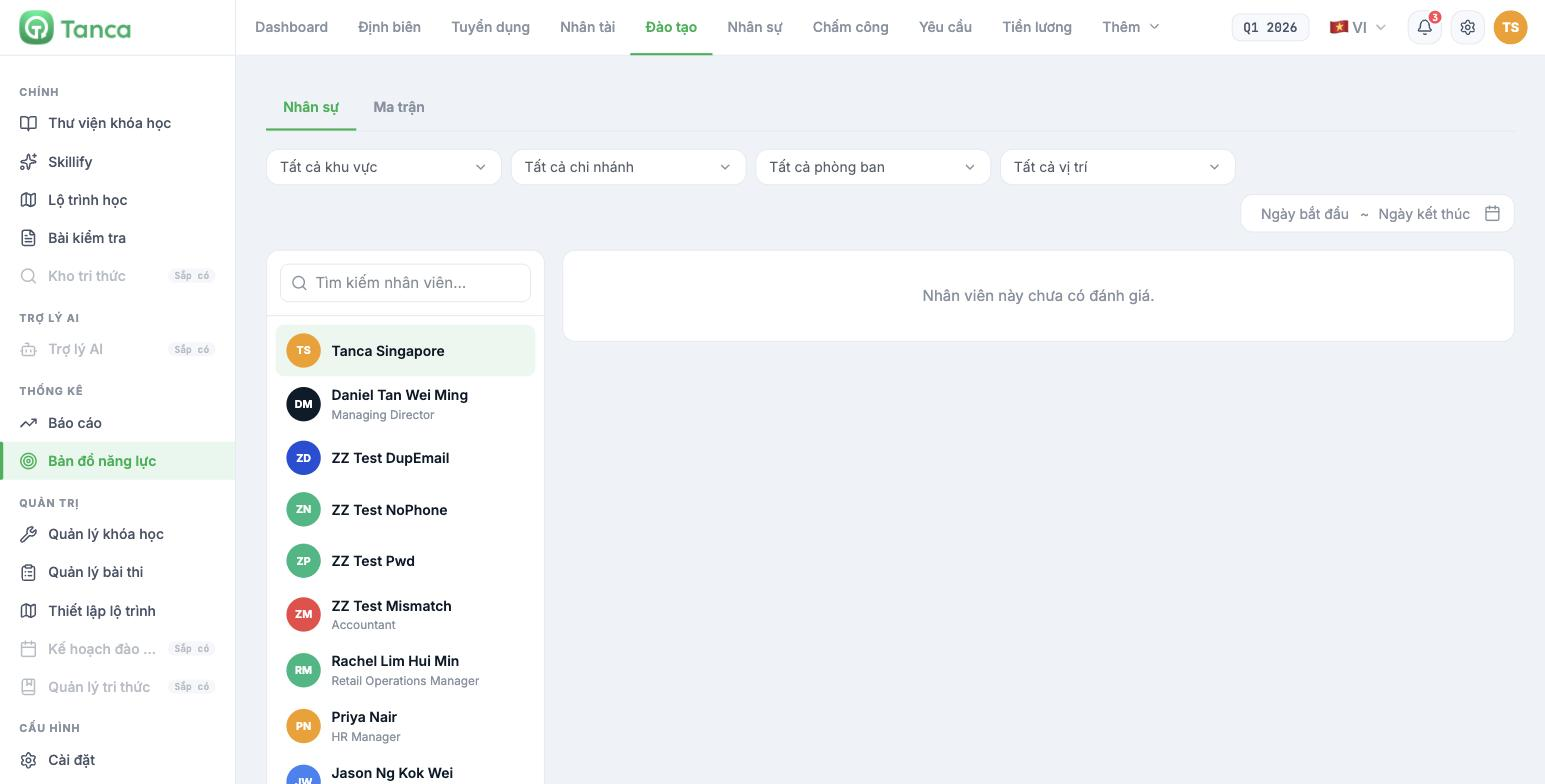
The Competency map section shows competency review results right in the Training module, so training staff don't have to switch to the Talent module. There are two tabs: People and Matrix, filterable by region, branch, department, position, and date range.
The data here comes from the competency review cycles of the Talent module (article B13-06). If it shows "This employee has no review yet", it's not a Training module error — the company hasn't run or published any review cycle for that person yet.
Using reports to plan annual training
- Pull the competency gaps from the Talent module (article B13-09), grouped by skill.
- Compare them against Course effectiveness — if a skill already has a course but is still lacking, the problem lies in the course content.
- Look at Engagement — which skills are lacking because nobody takes the course, not because there is no course.
- Look at Cost and ROI to decide whether to build content in-house or buy it externally.
- Settle on five to seven focus skills for the next year, no more.

