For content you may later need to prove employees were informed of — safety procedures, new policies, shift changes — a single toggle turns an announcement into one that records acknowledgments.
Turn on the toggle
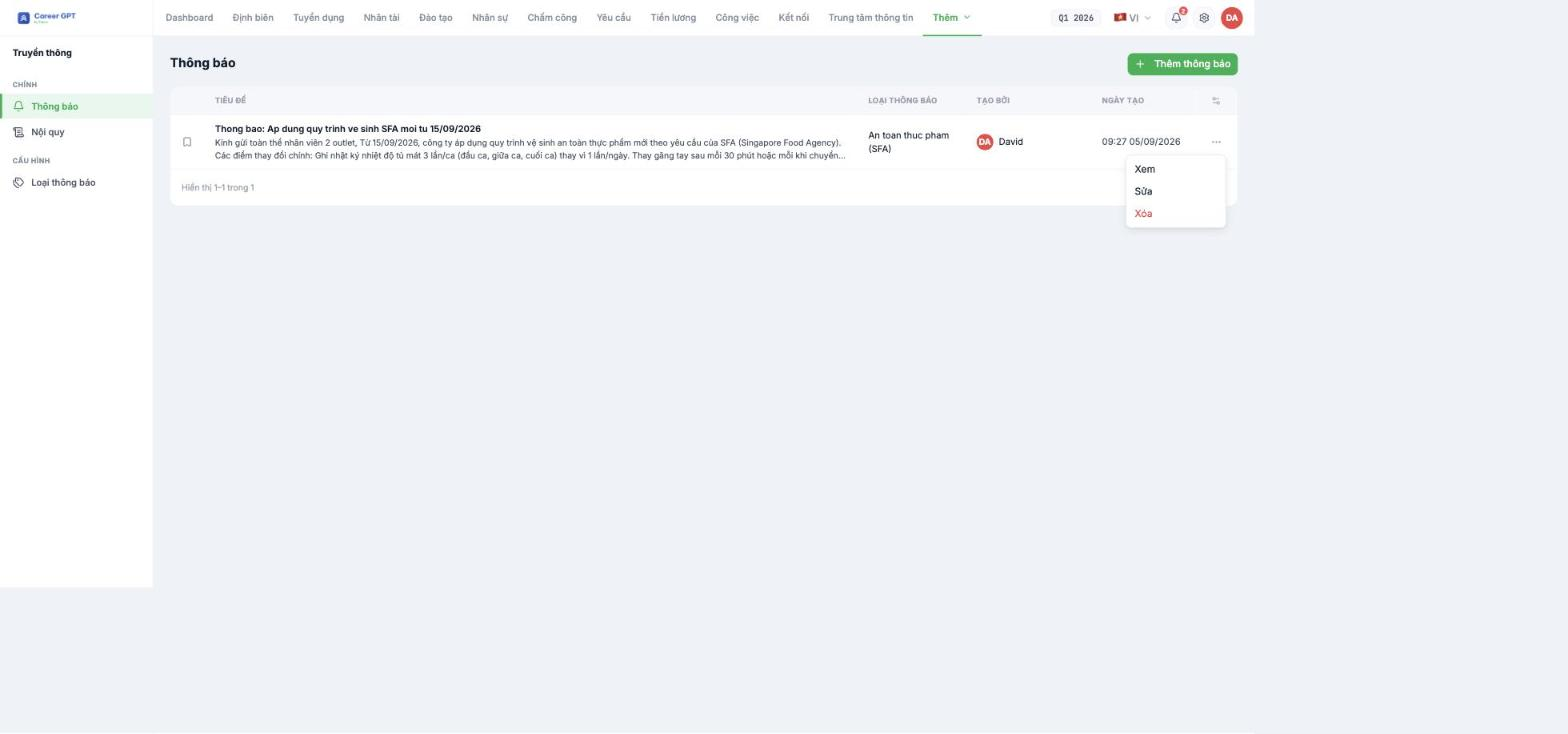
- Compose the announcement as usual (B18-01).
- At the bottom of the form, turn on Require read acknowledgment.
- Click Create.
This toggle sits next to Pin and is independent of it: an announcement can be both pinned and require acknowledgment, or just one of the two.
What happens next
| Side | Change |
|---|---|
| Employees | See an acknowledge button in the announcement and need to click it to record that they have read it (B18-06) |
| Administrators | The announcement details page gains an Employees who acknowledged section, listing each person with their avatar |
The list records the act of clicking acknowledge, not opening the announcement. Someone may have read it without clicking. So this number is an acknowledgment rate, not a read rate — use the correct name when reporting to leadership or to inspectors.
When to turn it on, and when not to
| Turn on | Do not turn on |
|---|---|
| Occupational safety and food hygiene procedures | Birthday news, internal activities |
| Changes to salary, allowance, or shift policies | Daily task reminders |
| Newly issued workplace rules and regulations | Announcements sent to one or two people |
| Content you must prove was communicated during an inspection | Announcements repeated weekly |
Turning it on for every announcement makes employees click acknowledge by reflex and the number loses its meaning. Keep the rate of use low so that when it is on, people understand it matters.
Legal value of the acknowledgment list
TO BE REVIEWED BY LEGAL before publishing. The Employees who acknowledged list is a record in the system showing that an account clicked acknowledge at a certain time. Whether this record is considered valid evidence that workplace rules were communicated, and whether it can replace the procedures for posting, signing for, or registering workplace rules under labor law, depends on the regulations of each country and each type of document. Tanca does not give a legal opinion on this — have your business's legal department confirm before using this list as a compliance record.
Best practices
- State the acknowledgment deadline right in the announcement content — the system has no deadline field, so the deadline must be in the text.
- Attach the original PDF of the document; the announcement content only summarizes the changes.
- After the deadline, open the acknowledgment list and remind those still missing individually (B18-05) — the system does not send reminders automatically.
- Do not edit the content of an announcement that requires acknowledgment after people have acknowledged it. If the content truly changes, send a new announcement.

