A single field turns your course library into a competency development system: the Skills field. This article explains what it does and how to use it correctly.
Where the Skills field gets its data
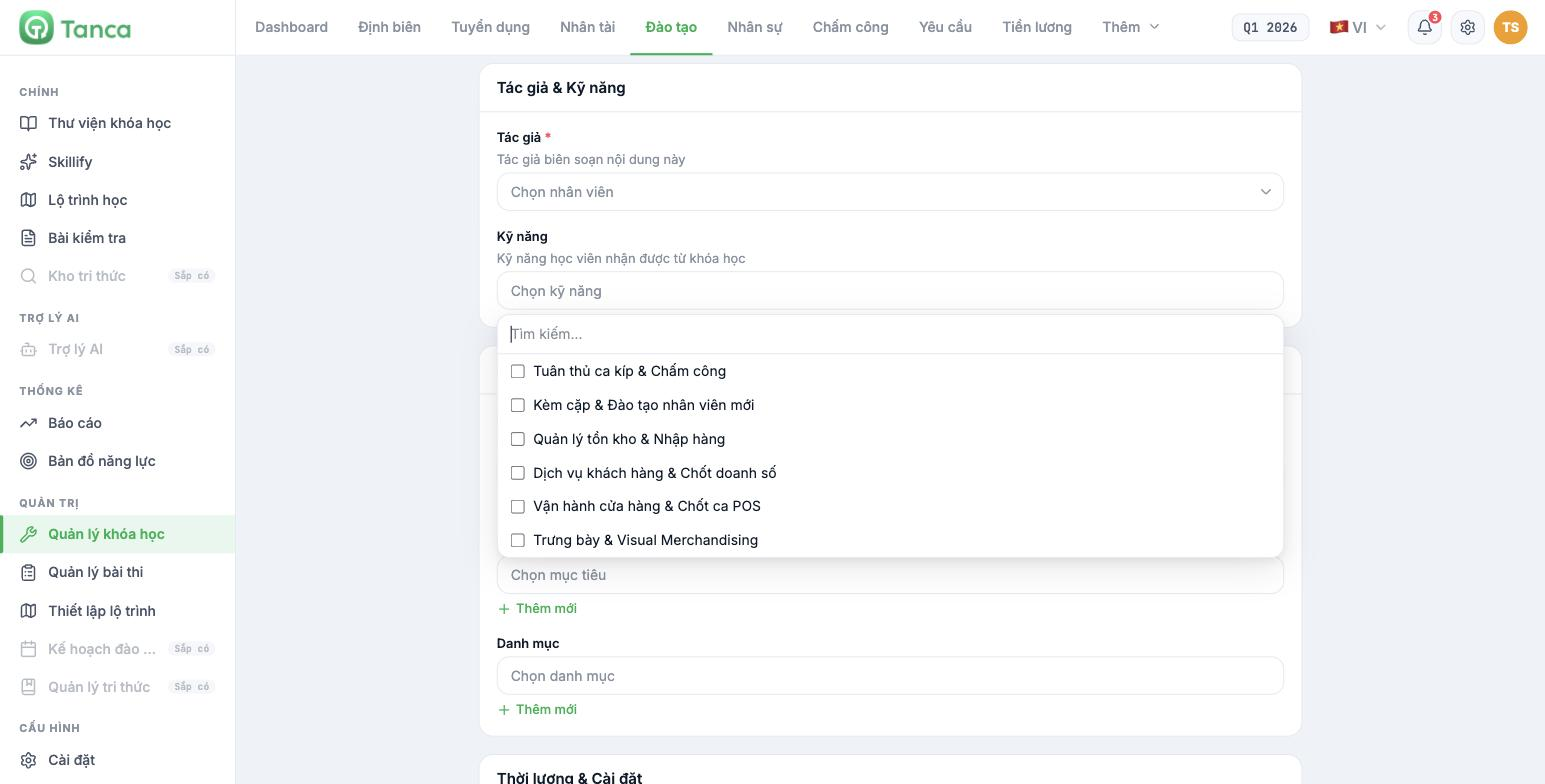
The Skills field in the course creation or editing form — and the Skills field in the test creation form — both list exactly the skills in the Talent module's Skill library (article B13-02). It's the same list, not two separate systems.
This is an important difference from the Recruitment module. The recruitment competency framework is a separate system with manually typed skills (article B15-05). Training and Talent, however, share the same skill library.
Attaching skills does three things
| Function | Where it shows up |
|---|---|
| Recommends courses based on the learner's skills | The Recommended from your skills section on the employee's Learning path screen |
| Connects training to competency gaps | Whichever skill has a gap, find courses with that skill attached (article B13-09) |
| Shows what skills a test measures | The Skills assessed by this test field in the test form (article B16-05) |
The right process
- Run a competency review cycle and read the gaps (articles B13-06, B13-09).
- Group the gaps by skill, not by person — find the skills many people lack.
- For each of those skills, check whether the course library already has a course with that skill attached.
- If not, create a new course and attach exactly that skill in the Skills field.
- If there is one but learners still aren't improving, review the course content, not the learners.
- After the next review cycle, compare that skill's scores before and after (article B13-07).
Four rules for attaching skills
- Attach one to three skills per course. A course with eight skills attached doesn't teach any of them in depth.
- Only attach skills the course actually teaches, not "related" skills. Attaching broadly makes recommendations to employees worthless.
- If a skill isn't in the library yet, add it in Talent first; don't create shortcuts from here.
- Tests should be attached to the same skills as their corresponding courses — so that test results say something about that skill.
Skills in the library must already have their five behavior levels written (article B13-03) for the whole loop to be meaningful. If not, you can still attach the skill to a course, but you won't be able to measure which level learners progress from and to.
Check whether the loop is closed
- Open Training › Learning path using an employee's account.
- See whether the Recommended from your skills section shows any skills.
- If it's empty: check whether that person has had a competency review cycle, and whether courses have skills attached.
- If it shows skills: click a skill and see whether the corresponding courses appear.

