The Requests module is where every type of request goes through. It's also the module that touches the most people in the company, so configuring it correctly will determine whether employees are willing to use Tanca.
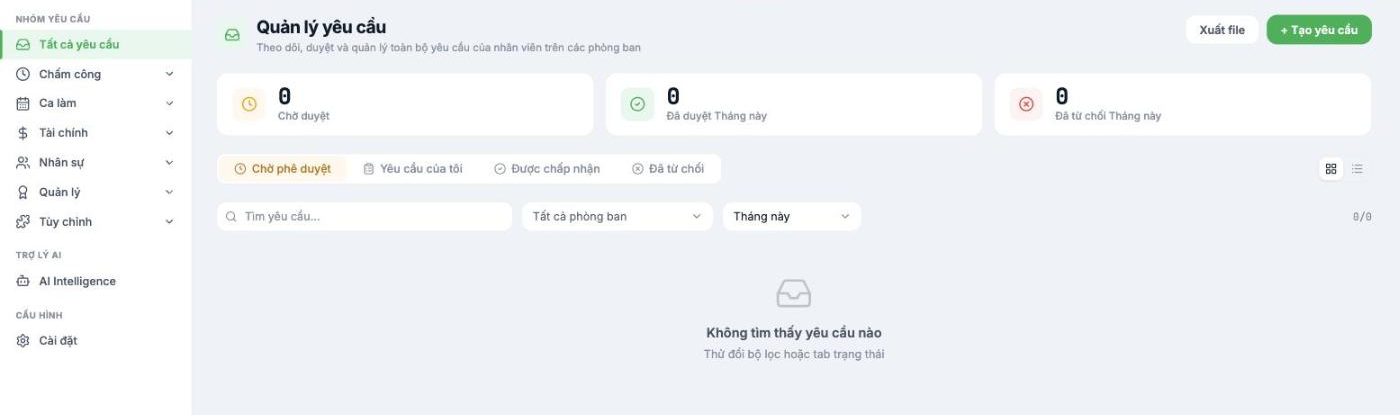
Twenty built-in request types in six groups
You don't have to create them from scratch. Tanca comes with the common request types built in; your job is to choose which ones to turn on and design the approval flows.
| Group | Request types |
|---|---|
| Time & attendance | Business trip/Out of office · Leave · Overtime · Late arrival/early departure |
| Shifts | Meals · Change clock-in/out time · Shift registration · Shift swap |
| Finance | Salary advance · Advance - Reimbursement · Payment request · Purchase request · Expense payment · Request form |
| HR | Borrowing · Resignation · Device removal |
| Management | Disciplinary action · Rewards |
| Custom | Request types you create yourself to fit your business |
At go-live, only turn on the four types in the Time & attendance group: Leave, Overtime, Business trip/Out of office, and Late arrival/early departure. These four cover most day-to-day needs. Open up more once employees are used to it.
Steps
- Go to Requests › Settings.
- Turn on the request types you need, and turn off the rest so the left column isn't cluttered.
- For each request type, design the approval flow: who approves first, who approves next, and whether a third level is needed.
- Set up a backup approver for when the main approver is away. Skipping this step is the number one cause of stuck requests.
- If you have specific paper forms, create a request type in the Custom group — for example, the demo company has a Kitchen equipment damage report request.
Principles for designing approval flows
| Principle | Why |
|---|---|
| A maximum of two approval levels for everyday requests | With three or more levels, employees will go back to messaging their boss directly instead of submitting requests |
| Always have a backup approver | If the boss is on a business trip for a week, the whole department can't request leave |
| Only financial requests need multiple levels | A half-day leave request doesn't need director approval |
| Digitize the process you're running now; don't overhaul it at the same time | Changing the whole process at the same time as changing tools is a recipe for failure |
Check before moving on to step 7
- Ask an employee to submit a test leave request in the app.
- The approver receives a notification and can approve it.
- The approved request shows correctly in that person's timesheet.
- The remaining leave days are deducted correctly.
Next step
A2-08 Step 7: Test-Run Your First Payroll.

