For specific information the standard profile doesn't include — for example building access card numbers, uniform sizes, practicing license numbers, or drivers' vehicle numbers.
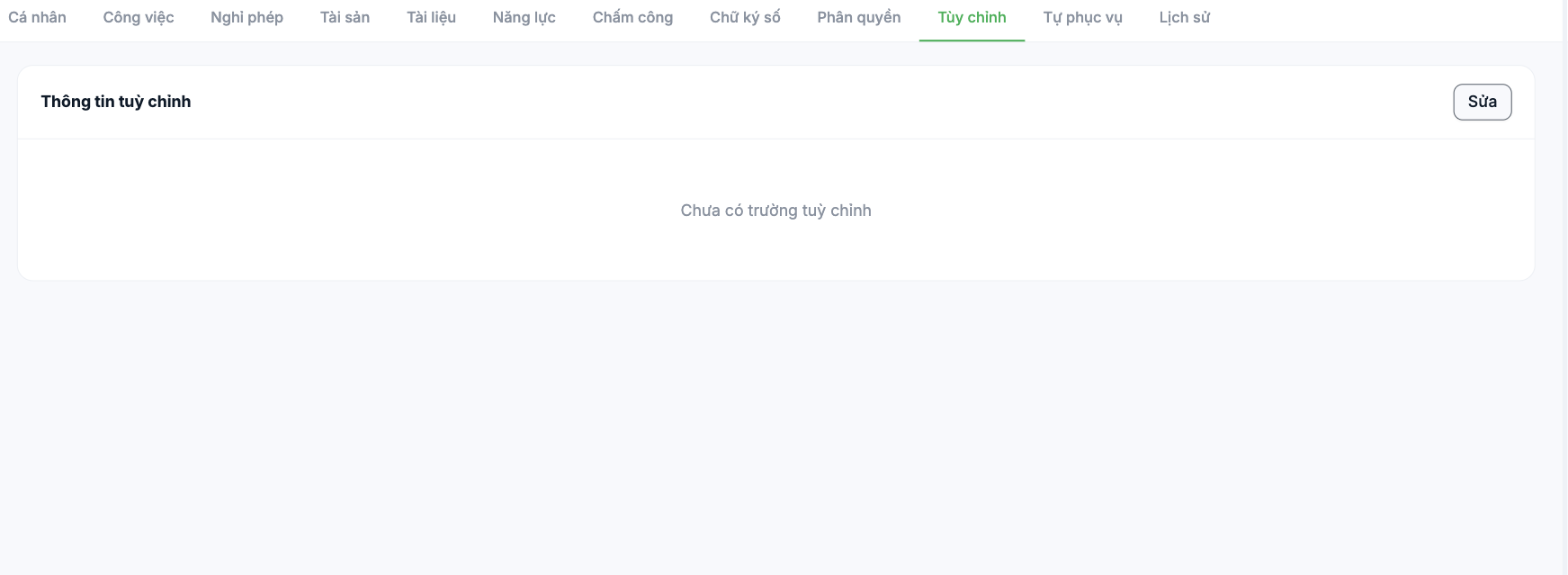
Steps
- Open the employee profile and select the Custom tab.
- Click Edit in the Custom information block.
- Declare the fields, fill in the values, then save.
When to use custom fields
| Do | Don't |
|---|---|
| Industry-specific information: practicing license number, driver's license class, safety certificate number | Information already available in another tab — e.g. citizen ID, start date |
| Internal administrative information: access card number, uniform size, locker number | Data that changes frequently — custom fields have no change history |
| Reference codes to the company's other systems | Free-form notes — use the Notes field in the Job tab |
Custom fields sit outside the standard reports and forms. Before adding a field, ask yourself who will read it and where — if you can't answer, it is very likely a field nobody will be updating three months from now.
Field naming principles
- Use names that are clear to the reader, with no internal abbreviations: Uniform size, not US.
- Agree on one convention for the whole company before you start declaring fields.
- Only create fields you truly need. Every unnecessary field is one more empty box HR has to explain to new employees.

