Being unable to access your account is the most frequently reported issue. Almost every time, the cause falls into one of the four groups below, and you can fix the first three yourself.
Tanca's four login methods
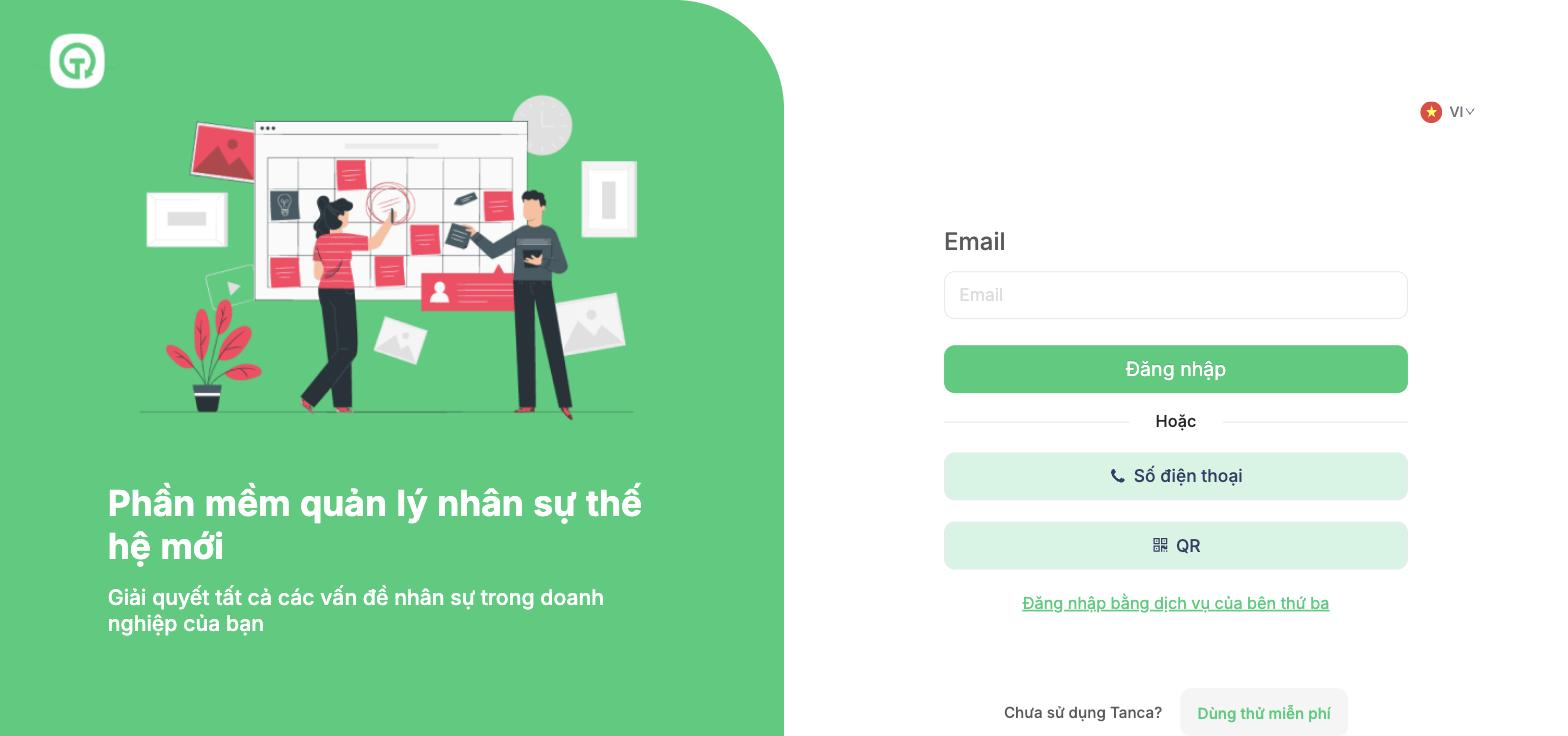
| Method | Use when |
|---|---|
| The default method — enter the work email recorded in your employee profile | |
| Phone number | Your account was set up with a phone number instead of an email |
| QR | Quick login on a computer by scanning a code from the app already logged in on your phone |
| Third-party service | Your company has enabled login through an account from another provider |
The most common mistake is using the wrong method. An account set up with a phone number can't log in with an email, and vice versa. If your email is reported as incorrect, click Phone number and try again with the number in your profile.
Four groups of causes
Group 1 — Incorrect login details
- Check whether your email has an extra space at the beginning or end.
- Check the Caps Lock key.
- Enter your phone number in the same format recorded in your profile, including the country code.
- If you've just been given a new password, type it by hand instead of pasting — extra characters from copying are a very common cause.
Group 2 — Account not ready yet
| Situation | Who fixes it |
|---|---|
| New hire whose profile has been created but who hasn't received a password | The administrator clicks Reset Password in the profile |
| The profile is not in Active status | The administrator changes the status in the employee profile |
| The email in the profile is wrong or duplicates someone else's | The administrator corrects the email in the profile |
| No access group assigned yet | The administrator assigns one in the Job tab of the profile |
Group 3 — Device or browser
- Try an incognito window — if you can get in, the problem is the browser's cache.
- Clear cookies and cache for the Tanca address, then try again.
- Temporarily disable ad-blocking extensions.
- Try a different browser or network — switching from company Wi-Fi to 4G is a quick test for cases where the company network is blocking access.
- On your phone: update the Tanca app to the latest version.
Group 4 — Can log in but can't use it
| Symptom | Cause | Fix |
|---|---|---|
| Logged in but no menus are visible | No access group yet, or permissions have been restricted | The administrator checks Settings › Permissions |
| Web works, app doesn't | Permissions for the two platforms are separate | The administrator opens the profile › Permissions tab › Mobile |
| Can log in but sees old permissions | The login session hasn't been updated | Log out completely, then log back in |
If you still can't get in
Submit a support request with: the email or phone number used to log in, the login methods you tried, a full-screen screenshot showing the error message, the browser name or app version, and when the error occurred. See article D1-06 for details.
Don't send your password to anyone, including Tanca support staff. No one needs your password to resolve a login issue.

