Your profile is the data source HR uses to prepare contracts, pay insurance contributions, and pay salaries. One wrong digit in your bank account number and that month's salary won't arrive.
Steps
- Open the app or sign in on your computer and go to your personal profile.
- Select the section you want to change and tap edit.
- Update the information and save.
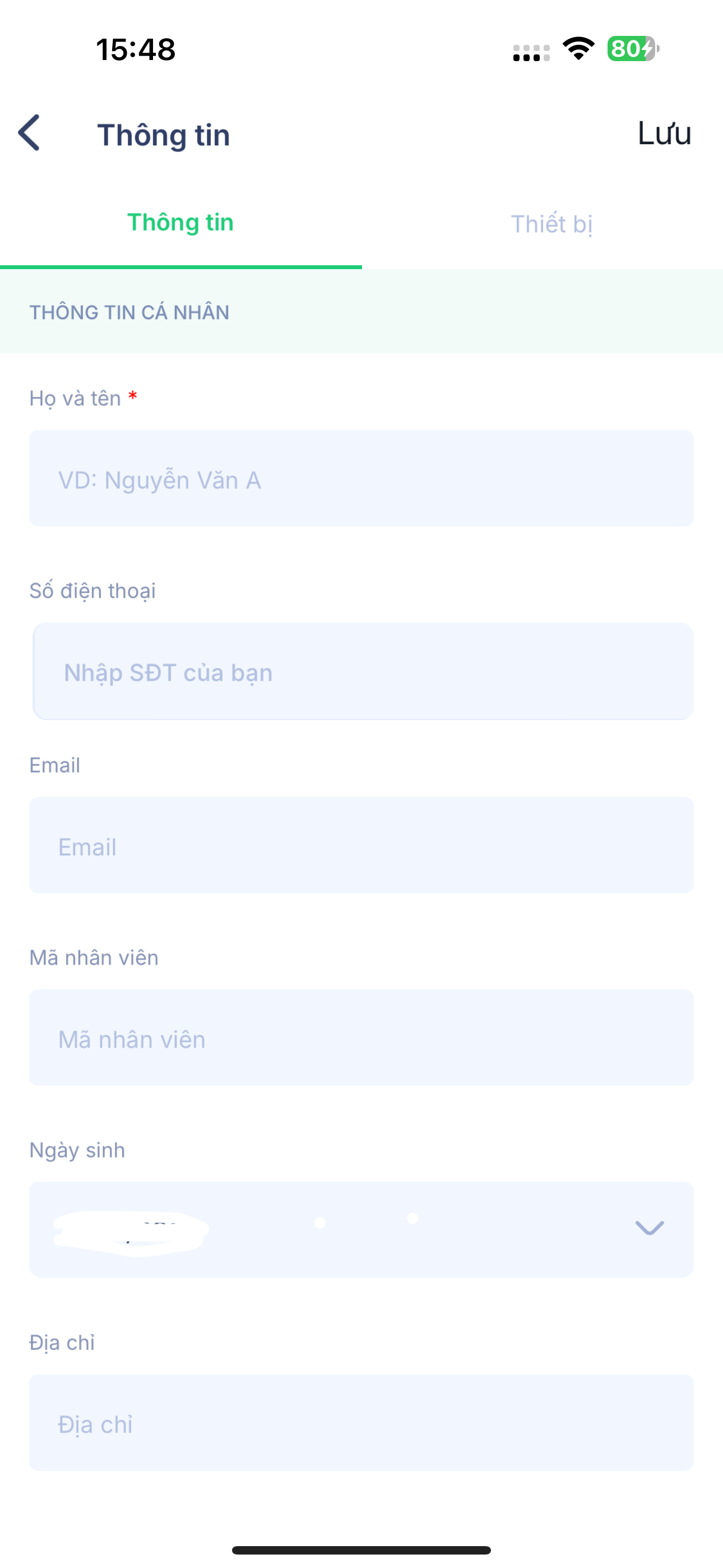
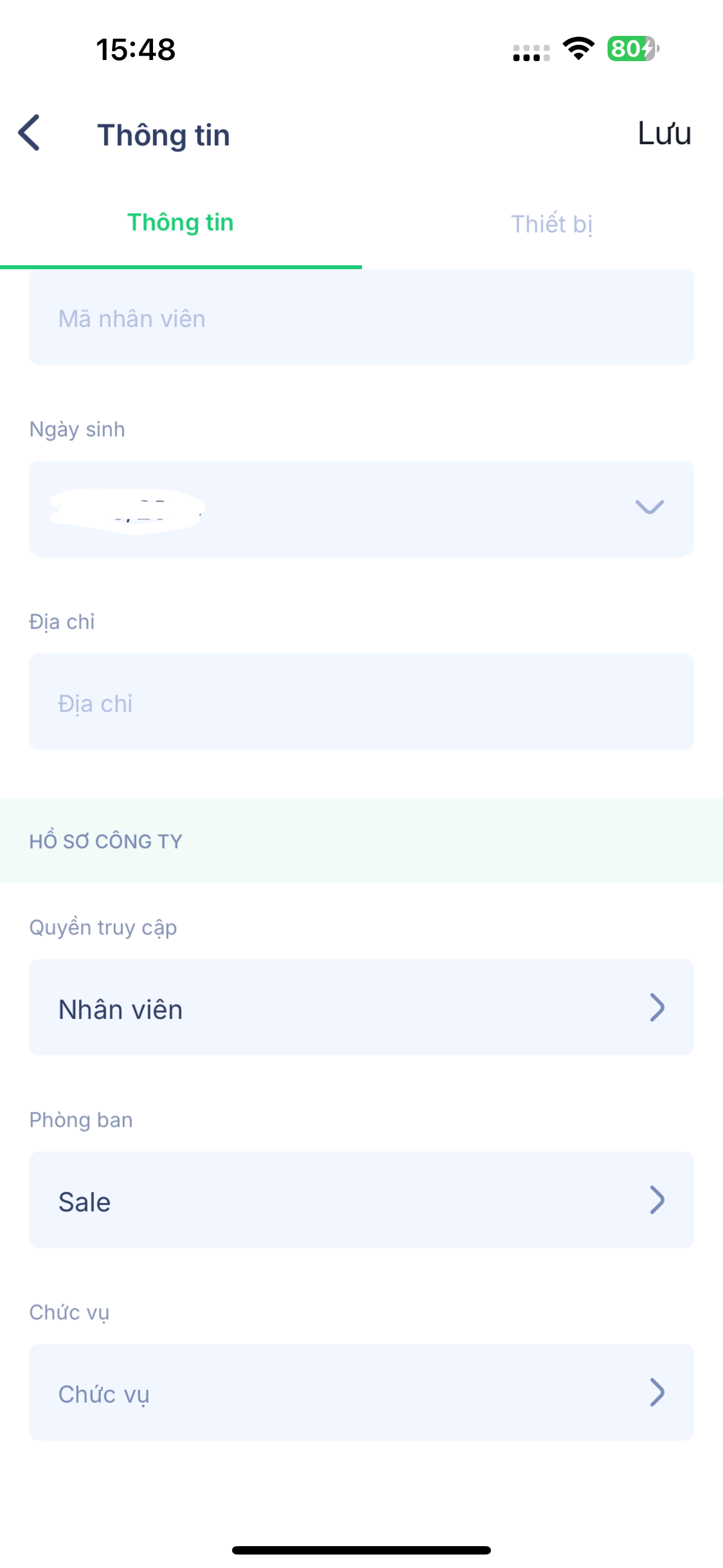
Information you should proactively keep up to date
| Information | Why it matters |
|---|---|
| Phone number | Used to sign in and receive notifications |
| Contact address and permanent address | Used for your employment contract and insurance records |
| Bank account number | Used to pay your salary. A wrong number means your salary won't arrive. |
| National ID (CCCD), date of issue, place of issue | Used for your contract and insurance registration |
| Emergency contact | Used in case of an incident |
| Profile photo | Helps colleagues recognize you in the directory and the Newsfeed |
Some fields, such as job title, department, branch, and employee ID, are managed by HR and you cannot edit them yourself. If you see something wrong, let HR know.
Notes
- If you change your bank account number, let HR know at least one week before the payroll cut-off date.
- Uploaded documents should be photographed clearly, with all four corners visible and no glare.
- Depending on your company's configuration, some changes may need HR approval before they take effect.

