Where you connect Tanca with the tools your company already uses. The screen has two tabs: what's already connected, and a catalog to find more.
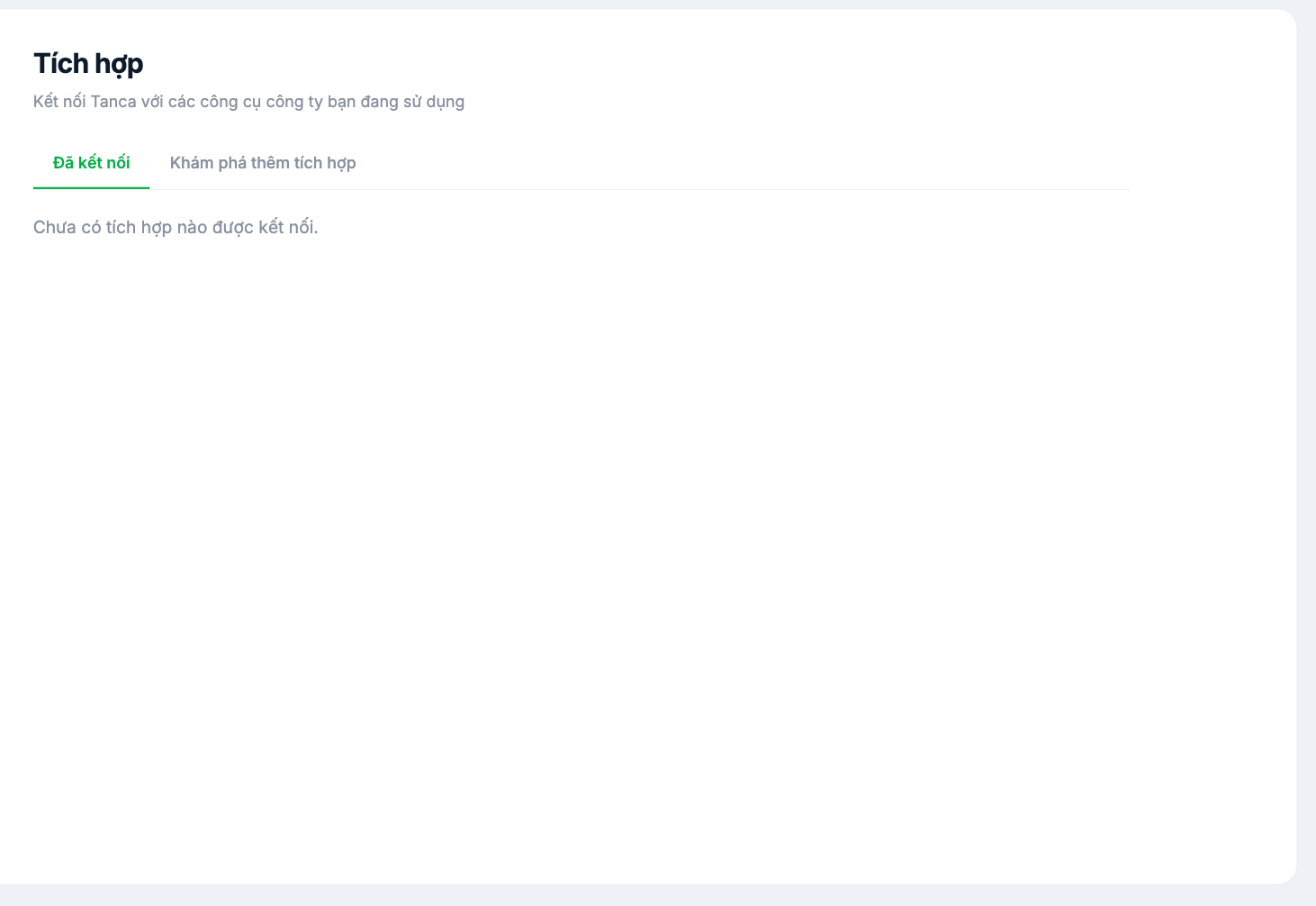
Two tabs
| Tab | Content |
|---|---|
| Connected | Integrations currently active. Empty when nothing is connected yet. |
| Discover More Integrations | A catalog of available integrations to add |
Before connecting anything
- Clearly define what data flows out and what flows in. Tanca holds HR and payroll data — the two most sensitive types of data in a business.
- Grant only the minimum permissions the integration actually needs.
- Record who enabled which integration and for what purpose. Six months from now, no one will remember.
- Review regularly and disconnect integrations that are no longer used.
Integrations are a path for data to leave the system. Before enabling one, ask: if the tool on the other end suffers a data breach, what does the business lose? The answer determines whether you should enable it.
Steps
- Go to Settings › Organization › Integrations.
- Switch to the Discover More Integrations tab.
- Select the integration you need and follow its connection instructions.
- Once connected, verify it in the Connected tab.
If you can't find the tool you need to connect
Tanca has an Open API that allows other systems to read and write data. See the C2 Integrations & API article group, or contact support to ask about connecting with your specific tool.

