Four actions sit neatly in the three-dot menu of every post: save to read later, pin to bring it to the top of the Newsfeed, turn off notifications to cut down the noise, and delete. This article explains what each one does and who can do it.
A post's menu
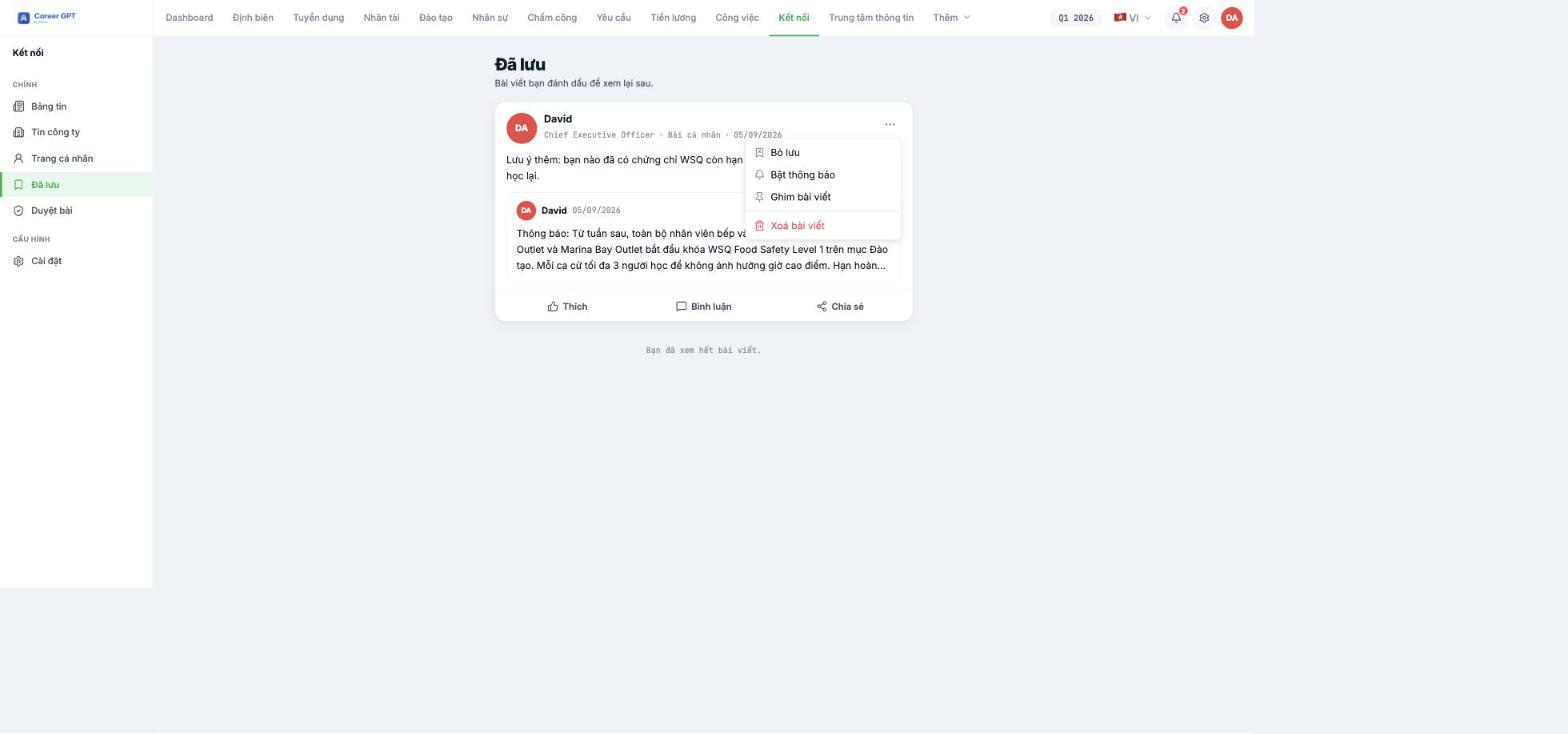
| Item | What it does | Who can do it |
|---|---|---|
| Save post / Unsave | Adds the post to your own Saved section — nobody else can see it | Everyone, on any post |
| Turn notifications on / off | Stops notifications when there are new comments on that post | Everyone, on any post |
| Pin post | Brings the post to the top of the Newsfeed for everyone | Author · Administrator |
| Delete post | Deletes the post and all its comments, for everyone | Author · Administrator |
This menu has no Edit item. Published posts cannot be edited — not even your own, not even Company News. See B17-04.
The Saved section
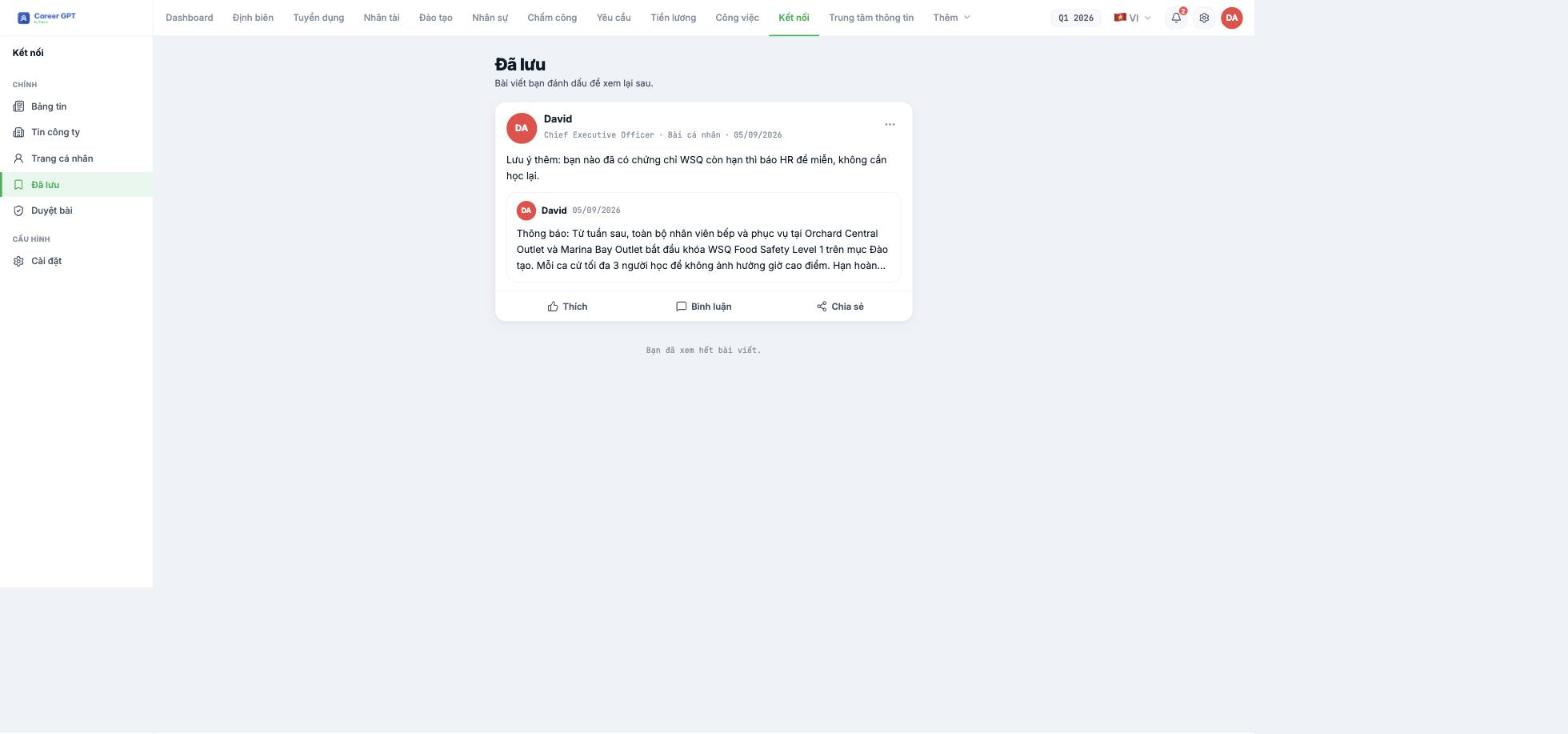
Connect › Saved is your private list. Shared posts saved here still show the full original post nested inside, so you don't lose context.
Use this section for posts you need to come back to: the holiday schedule, a new process, a newly announced allowance rate. Saving is completely private — the author does not know you saved their post.
Pinning posts — and when to pin
Pinned posts carry a Pinned label on the post card and are moved to the top of the Newsfeed. You can also turn on Pin post right in the post composer, without having to publish first and pin afterward.
Pinning applies to everyone, not just you. So use it sparingly: pin more than three or four posts and none of them really stands out anymore. The system currently doesn't limit the number of pinned posts, so this is a matter of user discipline rather than the software.
Turn off notifications for a post
A post with lots of comments can have you receiving notifications all day. Choose Turn off notifications in the `…` menu to stop them — the post still appears in the Newsfeed, and you can still read and comment, you just won't be notified anymore. This setting is remembered after you reload the page or close the app.
To receive them again, open that menu and choose Turn on notifications.

